
- 99.99%RELIABLE SYSTEM UPTIME
- +35%INCREASE IN CALL RESPONSES
- 250K+CONVERSATIONS HANDLED
- 4K+WORKING HOURS SAVED
Handle Tire Inquiries During Seasonal Rushes

Calls Arrive During Busy Changeover Periods
Capture inquiries while your team handles tire changes, installations and customers at the counter.

Callers Need Help Describing Their Vehicle
Collect make, model, year and tire size when the customer knows it, leaving fitment confirmation to your team.

Stock and Pricing Need Current Information
Use an approved connected source when available, or gather the request so staff can confirm stock and the quote.

Appointments Need Service Details
Record whether the customer needs installation, a seasonal changeover, rotation or another service your shop offers.

Same-Day Requests Need Staff Review
Capture the request and follow your escalation rules so the team can assess capacity and the appropriate next step.

After-Hours Callbacks Need Context
Collect vehicle information, the service request and preferred timing for a useful follow-up.
What Rossy Captures on a Tire-Service Call
Vehicle information: Make, model, year and tire size or brand preference when the caller provides it.
Service request: Installation, rotation, seasonal changeover or another approved service.
Next step: A supported booking or a request for staff to confirm fitment, stock, pricing or timing.
How Rossy Handles Tire-Shop Calls
Capture Tire and Vehicle Inquiries
Record the information your team needs to assess a tire request. Avoid treating an unverified size or customer description as confirmed fitment.

Support Seasonal Appointments
Use a supported calendar and your configured service rules. Where confirmation is needed, gather the requested service and preferred date.
Answer Approved Shop Questions
Help callers with hours, services and preparation instructions. Use only current, approved information for pricing or availability.


Hand Off Requests That Need Expertise
Route fitment questions, unusual vehicles, urgent requests and exceptions to your team, with a summary of the information collected.
Set Up Rossy AI for Your Tire Shop
-
1
Sign Up & Get Started
Create your account and share basic business details like calendar, hours, and team access.
-
2
White-Glove Voice Setup
We configure greetings, conversation flows, scheduling rules, integrations, and routing— no code or IVR required.
-
3
Agent Phone Number Setup
Select a new phone number or forward your existing calls so Rossy can start answering instantly.
-
4
Track, Review & Optimize
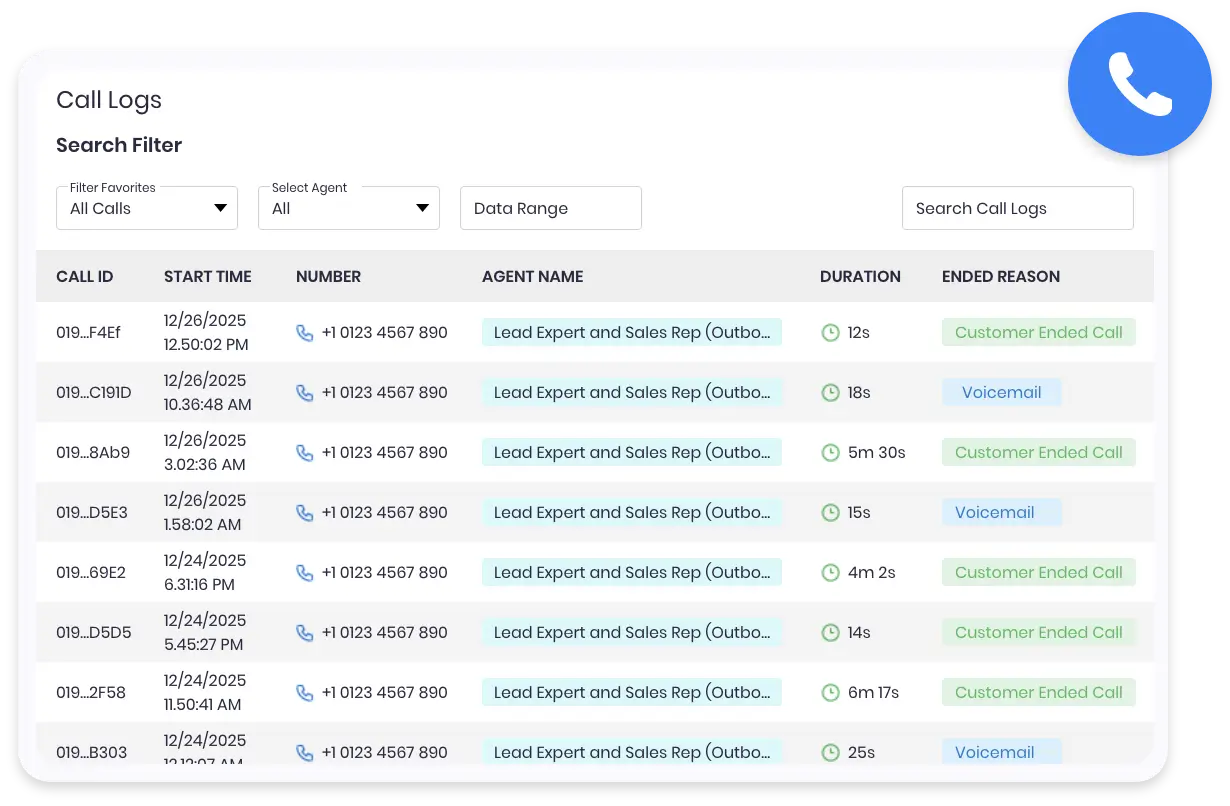
Access recordings, transcripts, summaries, and call insights from the dashboard—adjust settings anytime.
Rossy AI Built for Speed, Simplicity, and Real-World Use
- Quick and simple onboarding with a fully managed setup
- Use your existing phone number or activate a new one instantly
- Customize call flows, questions, and routing based on your business needs
- Built-in CRM to manage leads, calls, and customer details in one place

Questions About Your Tire Shop AI Receptionist
Can Rossy check tire stock and pricing?
Only when a current, approved source is connected and the action is supported. Otherwise, it captures the vehicle and tire request so your team can confirm availability and provide a quote.
Can it recommend the correct tire size or fitment?
Rossy can collect the vehicle and tire details a caller provides. Your qualified team confirms fitment and suitability rather than relying on an unverified caller description.
Can it book seasonal tire changes?
With a supported calendar connection, Rossy follows your available slots and service rules. Otherwise, it records the preferred time and service for staff confirmation.
How are same-day requests and busy periods handled?
We configure the intake questions, capacity and handoffs with your team. Rossy captures the request and follows your escalation rules; your staff confirms same-day availability.
How do I get started?
Start your 7-day free trial and tell us about your business. Our team guides setup, tests the agreed workflows and monitors early calls. Contact us for current pricing, included usage and integration details. You can cancel anytime.