
- 99.99%RELIABLE SYSTEM UPTIME
- +35%INCREASE IN CALL RESPONSES
- 250K+CONVERSATIONS HANDLED
- 4K+WORKING HOURS SAVED
Keep Rental Inquiries Moving During Busy Periods

The Counter and Phone Compete
Capture new rental inquiries while staff handle pickups, returns and customers already at the desk.

Requests Arrive After Closing
Record rental dates, pickup location and contact details when your counter team is unavailable.

Availability Must Be Confirmed
A vehicle request is not a confirmed reservation. Use current connected data or route the request to staff for confirmation.

Rental Requirements Need Explanation
Provide approved information about pickup procedures, required documents and your rental policies.

Existing Renters Need the Right Team
Separate new reservations from extension, return or roadside-support requests and follow the appropriate handoff.

Details Get Lost Between Calls
Keep requested dates, vehicle preferences and callback information together so staff can continue the conversation.
What Rossy Captures on a Rental Inquiry
Rental plan: Requested pickup and return dates, location and vehicle category.
Customer request: Contact details, booking reference when relevant and the reason for the call.
Next step: A supported reservation action or a clearly recorded request for staff confirmation.
How Rossy Handles Rental Calls
Capture New Reservation Requests
Collect dates, pickup location, vehicle category and contact details using your questions. Send the request through the configured follow-up process.

Explain Approved Rental Policies
Answer routine questions about pickup, returns and requirements using the information your business approves. Exceptions go to your team.
Support Existing Renters
Collect the booking reference and the requested change or support need. Route extensions, incidents and other requests to the appropriate staff.


Use Supported Reservation Actions
If a supported system is connected, use the specific availability and booking actions approved for that setup. Otherwise, collect the request for staff to confirm.
Set Up Rossy AI for Your Car Rental Business
-
1
Sign Up & Get Started
Create your account and share basic business details like calendar, hours, and team access.
-
2
White-Glove Voice Setup
We configure greetings, conversation flows, scheduling rules, integrations, and routing— no code or IVR required.
-
3
Agent Phone Number Setup
Select a new phone number or forward your existing calls so Rossy can start answering instantly.
-
4
Track, Review & Optimize
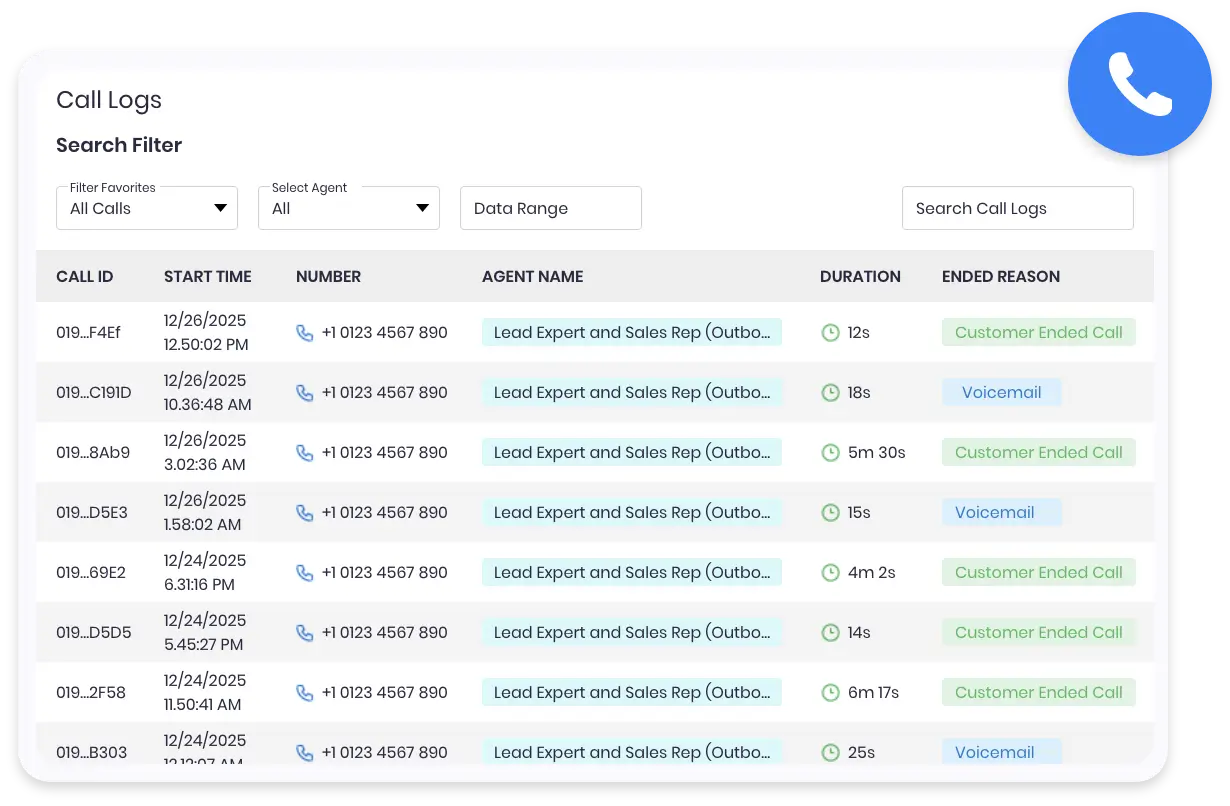
Access recordings, transcripts, summaries, and call insights from the dashboard—adjust settings anytime.
Rossy AI Built for Speed, Simplicity, and Real-World Use
- Quick and simple onboarding with a fully managed setup
- Use your existing phone number or activate a new one instantly
- Customize call flows, questions, and routing based on your business needs
- Built-in CRM to manage leads, calls, and customer details in one place

Frequently Asked Questions
Can Rossy confirm availability and make a reservation?
Only when your connected reservation system supports those actions and the required rules have been tested. Without that connection, Rossy gathers the request and your team confirms availability and the booking.
Can it explain deposits, insurance and rental requirements?
Rossy can share the policy wording and information your business approves. Exceptions, coverage decisions and changes to charges are passed to your authorized staff.
Can it handle calls from customers who already have a rental?
Yes. We configure questions for the booking reference and the customer’s request, with handoffs for extensions, return questions and situations that need a team member.
Can we keep our number and handle several calls?
We confirm number forwarding and the call capacity needed for your operation during onboarding. Coverage, supported reservation actions and staff handoffs are tested before launch.
How do I get started?
Start your 7-day free trial and tell us about your business. Our team guides setup, tests the agreed workflows and monitors early calls. Contact us for current pricing, included usage and integration details. You can cancel anytime.